I’ve been playing around with the Office 365 Admin app, now available for Windows Phone 8 and due to be available “soon” for Android and Apple iPhone. Think of the Windows Phone users like myself as the advanced beta testers before the more popular devices get their teeth into the app.
In any case, the new app is part of an ongoing effort to make Office 365 a more manageable beast, something that’s critical when a platform is growing by leaps and bounds. The financial details reported by Microsoft (an annual run rate of $1.5 billion) indicate that annual growth might be in the region of 130% and although I’ve calculated that Office 365 still only represents a small percentage of the overall Exchange installed base, the millions of users who connect daily deserve to be supported by reasonable management tools.
Office 365 experienced a couple of early hiccups, all of which appeared to be teething problems of the kind that you might expect in a service that had not yet matured. When problems happened then, the Office 365 dashboard used to dissolve into meaningless data and Twitter became the most reliable source of information. Tweets from people around the world revealed the true nature of any outage as well as the steps being taken by Microsoft to resolve issues, all in a highly dynamic manner.
Twitter is great, but no self-respecting sales representative can make a pitch to a prospective customer that features Twitter as the fulcrum for support information when things go bad. Well, you could try and make the case that a company should build its support framework around Twitter, but I should imagine that the discussion might be short and feature several four-letter words, followed by a rapid ejection of the sales person from the premises.
Developments such as the Office 365 Admin app therefore save the bacon for Microsoft sales people as well as delivering a better support experience for Office 365 tenants. That can’t be a bad thing.
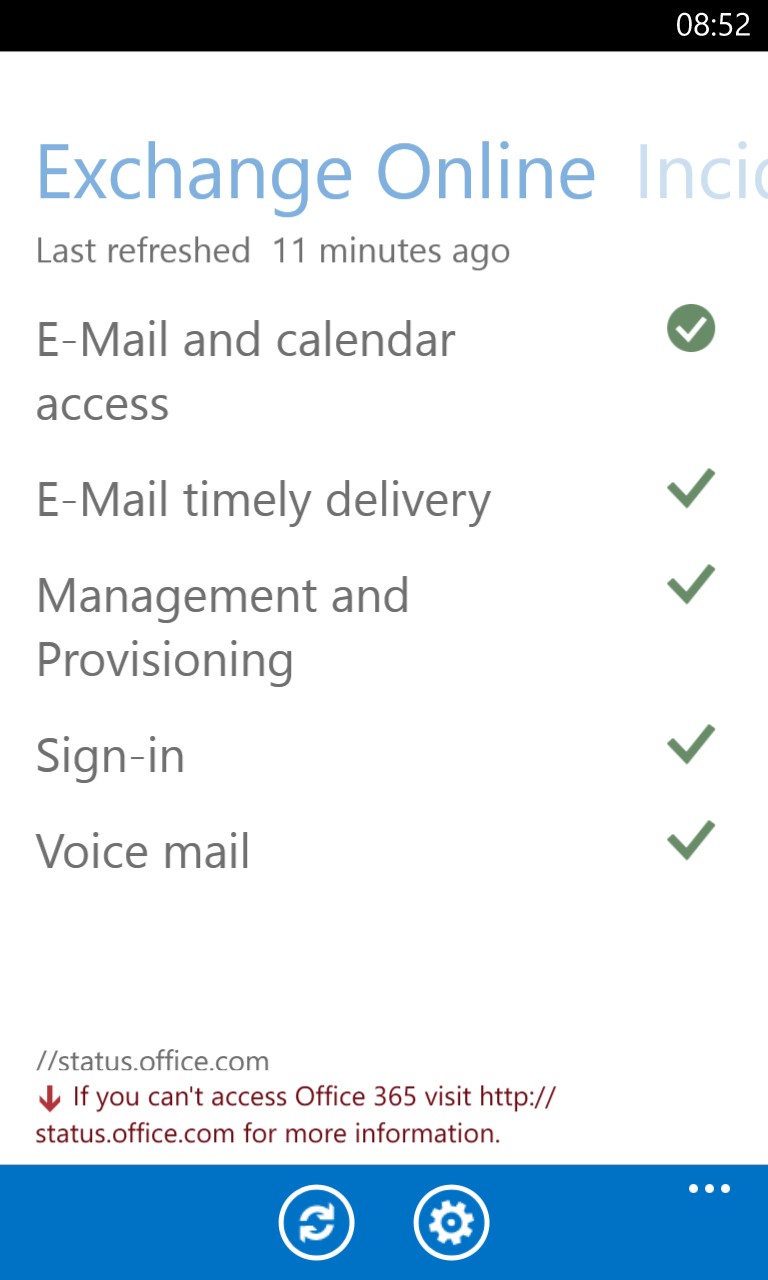
The app itself is pretty simple. I doubt that I will need to be told when Exchange Online is not working properly because a problem with something like email delivery is noticed pretty quickly. However, functions such as provisioning are not as visible and issues in applications like SharePoint Online might not be important to you as they are to end users who depend on a document library. It’s good to be able to get a status update at a glance, which is what this app delivers.
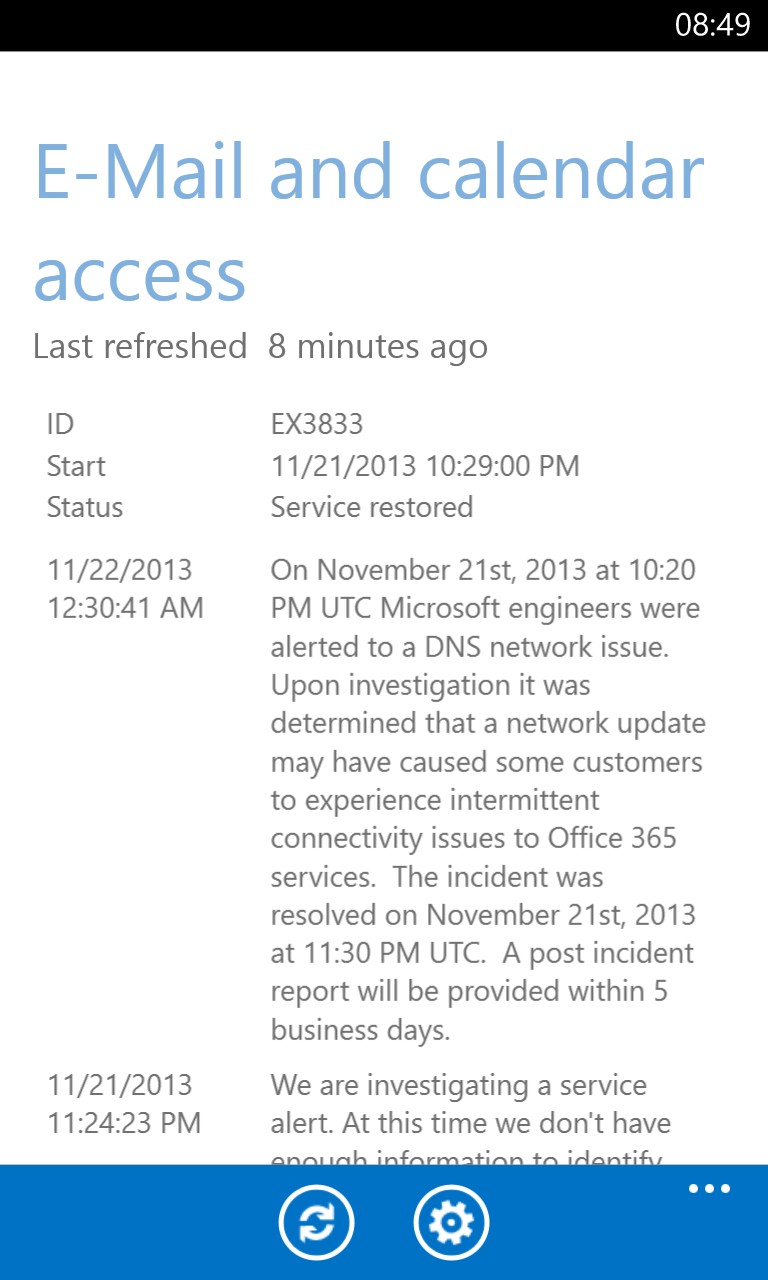
If a problem is known, you can drill down to view the details of the incident. For instance, I now know that a DNS problem affected some tenants on November 21. This information is available on the Office 365 portal but I probably wouldn’t have looked there unless I had to – the app makes the data more accessible.
The new app isn’t perfect (it doesn’t refresh automatically as it should sometimes), but it’s a reasonable start to what might become a very useful tool. All you can ask is to see progress… and I guess this is progress.
Follow Tony @12Knocksinna


 Thoughtsofanidlemind's Blog
Leave a reply to NeWay Technologies – Weekly Newsletter #70 – November 21, 2013 | NeWay Cancel reply